
Subscription
Subscription allows you to manage your subscription plan. There are several functions that could be accessed after registering your account:
Access the page by clicking  > Subscription.
1. Subscription
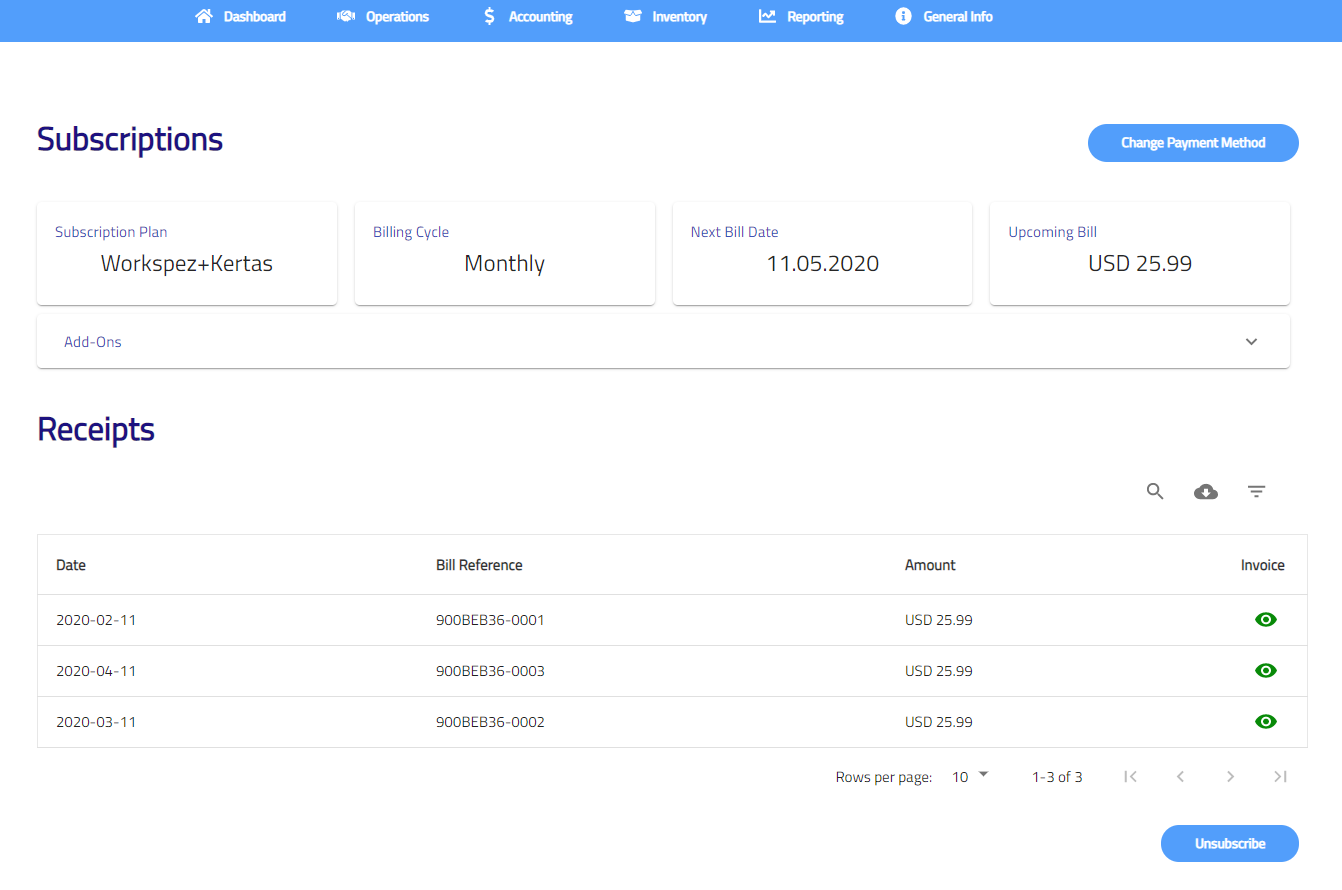
- Change Payment Method
- Click on Change Payment Method button to fill in new credit card details.
- Enter card number, name on card and billing address.
- Click Save to save the details.

- Add-Ons
Add on new users or modules such as inventory and multi currency if necessary.
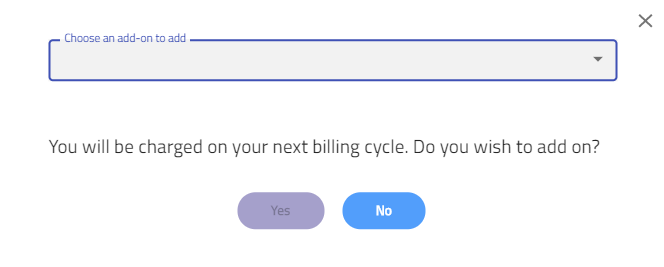
- Click Add On to add an add-on.
- Select an add-on to add.
- Click Yes to add the add-on.
2. Receipts
Receipts shows all your billing receipts after you made payment. You may click on  to view the receipt details or click on
  to download all receipts.
