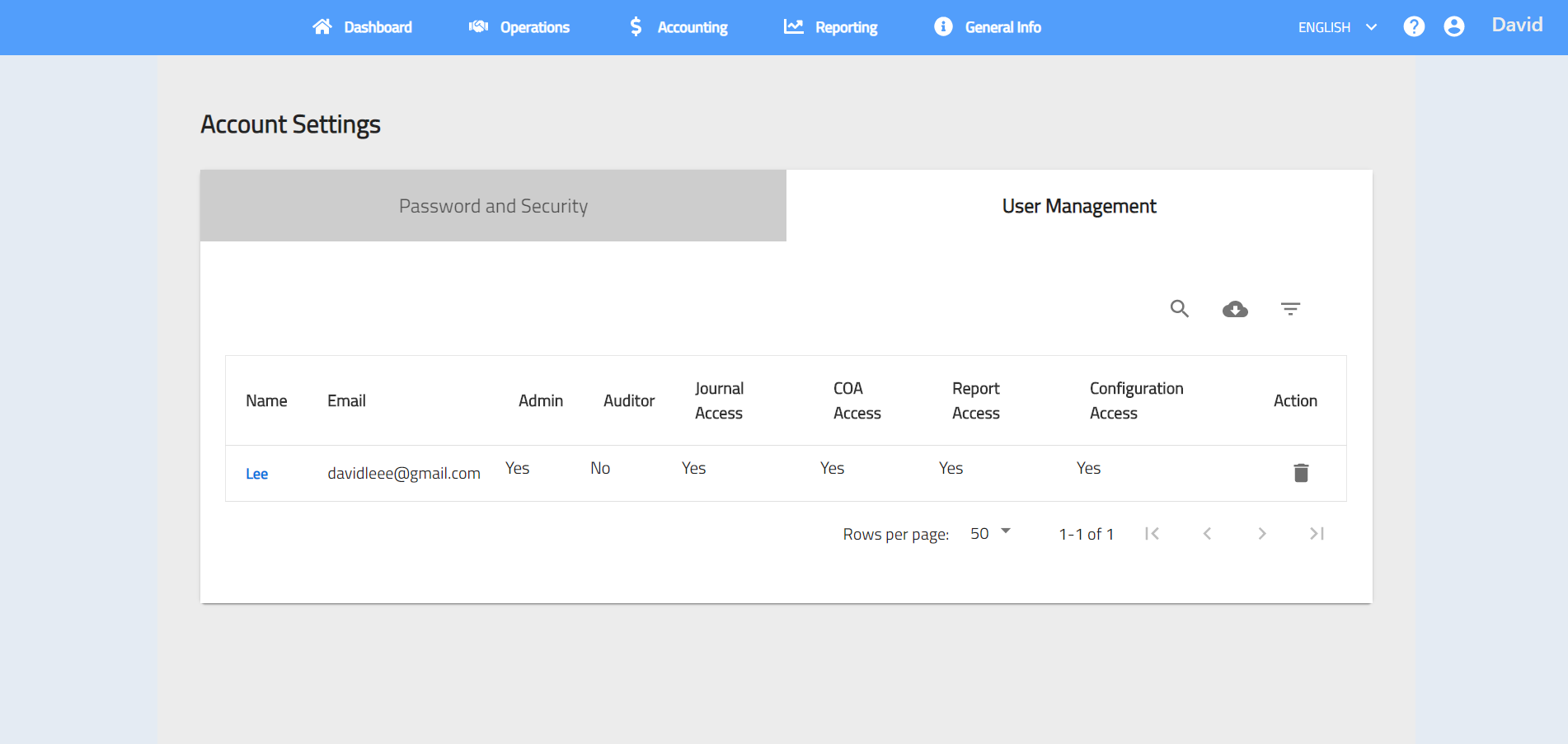
Account Settings
Account Settings let you reset password and manage additional users access:
To acees Account Settings, click  > Account Settings.
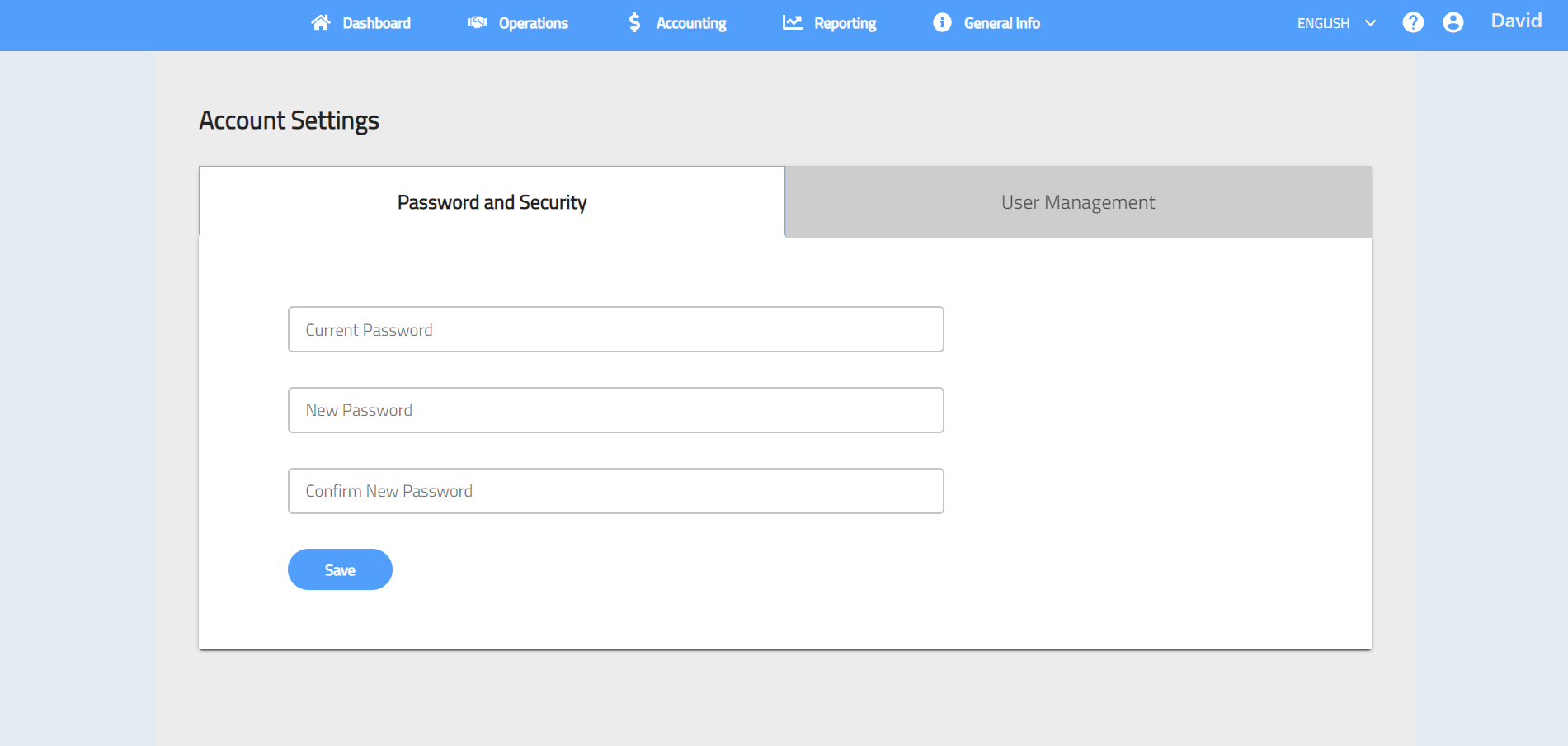
1. Password and Security
You may change your password in Password and Security tab.
2. User Management
You may allow other users to access Workspez Accounting System by selecting > Account Settings > User Management > Add New User. You can set other users as admin or auditor and authorize users to access multiple modules such as report, chart of account and journal.